
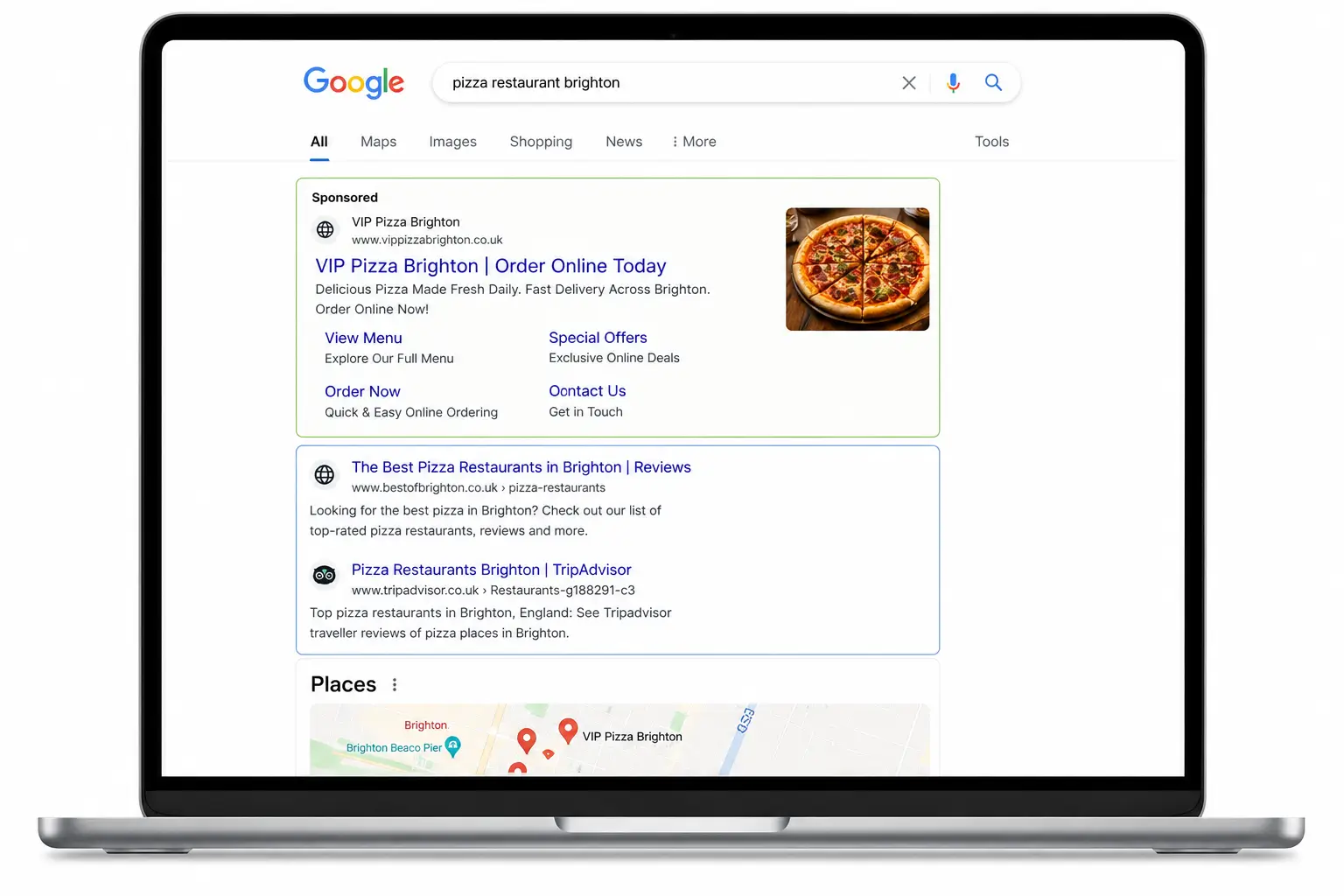
If you’re trying to attract more local customers, your Google Business Profile (formerly Google My Business) is one of the most powerful marketing tools available. A well-optimised Google Business profile can improve your visibility in local search results, increase website traffic, generate phone calls, and help customers choose your business over competitors.
Many business owners claim their profile and then forget about it. However, an incomplete or outdated profile can cost valuable leads. Use this comprehensive Google Business Profile checklist to ensure your listing is working as hard as possible for your business.
1. Choose the Right Business Categories
Your primary category is one of the most important ranking factors for local search visibility.
Google uses your categories to understand what your business does and determine when your profile should appear in search results.
Checklist:
✓ Select the most accurate primary category
✓ Add relevant secondary categories where appropriate
✓ Avoid choosing categories that don’t accurately represent your services
✓ Review competitor profiles to identify category opportunities
For example, a roofing company might choose “Roofing Contractor” as its primary category while adding secondary categories such as “Gutter Cleaning Service” or “Roof Inspection Service” if those services are offered.
Choosing the wrong category can significantly reduce your chances of appearing in relevant searches.
2. Complete Every Business Information Field
Google rewards profiles that provide complete and accurate information.
Customers also prefer businesses that clearly communicate who they are and how they can be contacted.
Checklist:
✓ Business name matches your real-world branding
✓ Correct address and service area
✓ Accurate phone number
✓ Website URL
✓ Business hours
✓ Holiday opening hours
✓ Business description
✓ Appointment or booking links
✓ Attributes (wheelchair access, online appointments, free Wi-Fi, etc.)
Consistency is important. Ensure your business details match those listed on your website and other online directories.
3. Upload High-Quality Photos
Photos are often the first thing potential customers notice when viewing your profile.
Businesses with high-quality images typically receive more clicks, calls, and direction requests than those with few or no photos.
Essential Photos to Add
Exterior Photos
Help customers recognise your location when they arrive.
✓ Front of building
✓ Signage
✓ Entrance
✓ Parking area
Interior Photos
Show customers what to expect inside.
✓ Reception area
✓ Showroom
✓ Office space
✓ Waiting areas
Team Photos
People like doing business with people.
✓ Staff portraits
✓ Team group photos
✓ Employees at work
Product and Service Photos
Demonstrate what you offer.
✓ Completed projects
✓ Products for sale
✓ Before-and-after examples
✓ Service process images
Photo Best Practices
✓ Use high-resolution images
✓ Ensure good lighting
✓ Upload new photos regularly
✓ Avoid stock photography where possible
✓ Showcase genuine customer experiences
Fresh photos signal to Google that your business is active and engaged.
4. Add All Your Services
Many businesses miss opportunities by failing to list their services individually.
Adding services helps Google understand exactly what your business offers and can improve visibility for specific searches.
Checklist:
✓ Create a complete service list
✓ Add detailed descriptions
✓ Include pricing where appropriate
✓ Highlight specialist services
✓ Update services when offerings change
For example, a plumber shouldn’t simply list “Plumbing.” They should also include services such as emergency plumbing, boiler installation, leak detection, bathroom fitting, and drain repairs.
The more detail you provide, the more opportunities you have to appear in relevant searches.
5. Publish Regular Google Posts
Google Posts function like mini social media updates directly within your business profile.
Regular posting demonstrates activity and can provide additional information to potential customers.
Post Ideas
✓ New services
✓ Promotions and special offers
✓ Company news
✓ Seasonal advice
✓ Recent projects
✓ Customer success stories
✓ Events
Posting Checklist
✓ Include a compelling image
✓ Write a clear headline
✓ Add a call-to-action
✓ Include relevant keywords naturally
✓ Publish consistently
Many businesses never use Google Posts, making this an easy way to stand out from competitors.
6. Build and Manage Your Q&A Section
The Questions & Answers section is often overlooked but can significantly improve customer confidence.
Potential customers can ask questions publicly, and anyone can answer them—including members of the public.
That means you should proactively manage this section.
Checklist:
✓ Monitor new questions regularly
✓ Respond quickly and professionally
✓ Create common questions yourself
✓ Provide accurate answers
✓ Update outdated information
Examples include:
- Do you offer free estimates?
- What areas do you serve?
- Do you provide emergency call-outs?
- Is parking available?
- What payment methods do you accept?
By answering common questions upfront, you can remove barriers that may prevent customers from contacting you.
7. Encourage Customer Reviews
Reviews influence both rankings and customer trust.
A business with dozens of recent positive reviews often receives more enquiries than competitors with few reviews.
Review Checklist
✓ Ask satisfied customers for reviews
✓ Make the review process simple
✓ Respond to every review
✓ Thank customers for positive feedback
✓ Address negative reviews professionally
✓ Never buy fake reviews
Google values authentic customer feedback, and regular review activity signals an active business.
8. Monitor Performance Insights
Google Business Profile provides valuable data about how customers find and interact with your listing.
Track:
✓ Search views
✓ Website clicks
✓ Phone calls
✓ Direction requests
✓ Photo views
✓ Search terms customers use
Reviewing this data helps you identify opportunities for improvement and understand which aspects of your profile are generating results.
9. Keep Everything Updated
An outdated profile can frustrate customers and damage trust.
Regular Maintenance Checklist
✓ Verify opening hours
✓ Update services
✓ Add new photos
✓ Publish new posts
✓ Check contact information
✓ Review categories
✓ Respond to reviews
✓ Monitor Q&A activity
Setting aside just 15–30 minutes each month can keep your profile fresh and competitive.
Final Thoughts
Your Google Business Profile is often the first impression potential customers have of your business. A complete and well-maintained profile can improve local search visibility, increase trust, and generate more enquiries without spending money on advertising.
To maximise your local SEO performance, focus on five key areas: accurate categories, comprehensive service listings, high-quality photos, regular Google Posts, and active management of reviews and Q&A. Combined, these elements help both Google and potential customers understand why your business deserves their attention.
Think of your Google Business Profile as a digital storefront. The more complete, informative, and active it is, the more likely customers are to choose you over the competition.
This version is optimised for local SEO keywords such as Google Business Profile, local SEO, Google Posts, business categories, customer reviews, and Google Business Profile optimisation while remaining readable and useful for business owners.
